
When a class is full, you may have the option to join a waitlist in myOTC. Waitlisting lets you hold your place in line for a seat if one becomes available.
Being on a waitlist does not guarantee a seat in the course. Students are added in the order they joined, and waitlisting for each course closes on the first day of the term.
How Waitlisting Works
- If a class is full, a “Waitlist” button will appear in myOTC under Student Planning.
- When a seat opens, the first student on the list is automatically registered for the class.
- The system sends a notification to your Ozarks Tech email once you’re registered.
- Waitlists operate on a first-come, first-served basis. Joining the list does not guarantee a seat.
What Happens After You’re Added
If you’re registered through the waitlist and it’s your first class for the semester, you’ll need to complete your payment plan by midnight the same day to keep your seat. If you don’t, the system will drop the course and offer the seat to the next student on the list.
It’s important to check your Ozarks Tech email daily while you’re on the waitlist. Registration moves quickly, and deadlines are strict.
Key Things to Know
- Not all classes have waitlists. Most college-level courses do, but High School Allied Health classes and courses that require concurrent enrollment usually don’t.
- Waitlisted courses don’t count toward your total enrolled hours, financial aid, or billing.
- You can’t waitlist one section if you’re already registered in another section of the same course.
- Time conflicts matter. If the waitlisted class overlaps with one you’re already registered for, you won’t be added unless you drop the conflicting class in advance.
Waitlist Rules, Deadlines and Exceptions
Waitlisting opens the first day of registration and closes at 8:00 a.m. on the day classes begin. Once the system closes, students who haven’t been registered will be notified by email. Depending on the term, you may still have a few days to adjust your schedule and register for open courses.
To remove yourself from a waitlist:
- Go to Student Planning in myOTC.
- Find the waitlisted course.
- Click the “Waitlist” button again to cancel your request.
If you register for another section of the same course, you’ll be automatically removed from the waitlist.
Waitlisting in myOTC only applies to individual course sections—not program admission. If you’re waiting to be admitted into a Selective Admission Program (such as Nursing or Dental Hygiene), contact the program director for information.
Need Help?
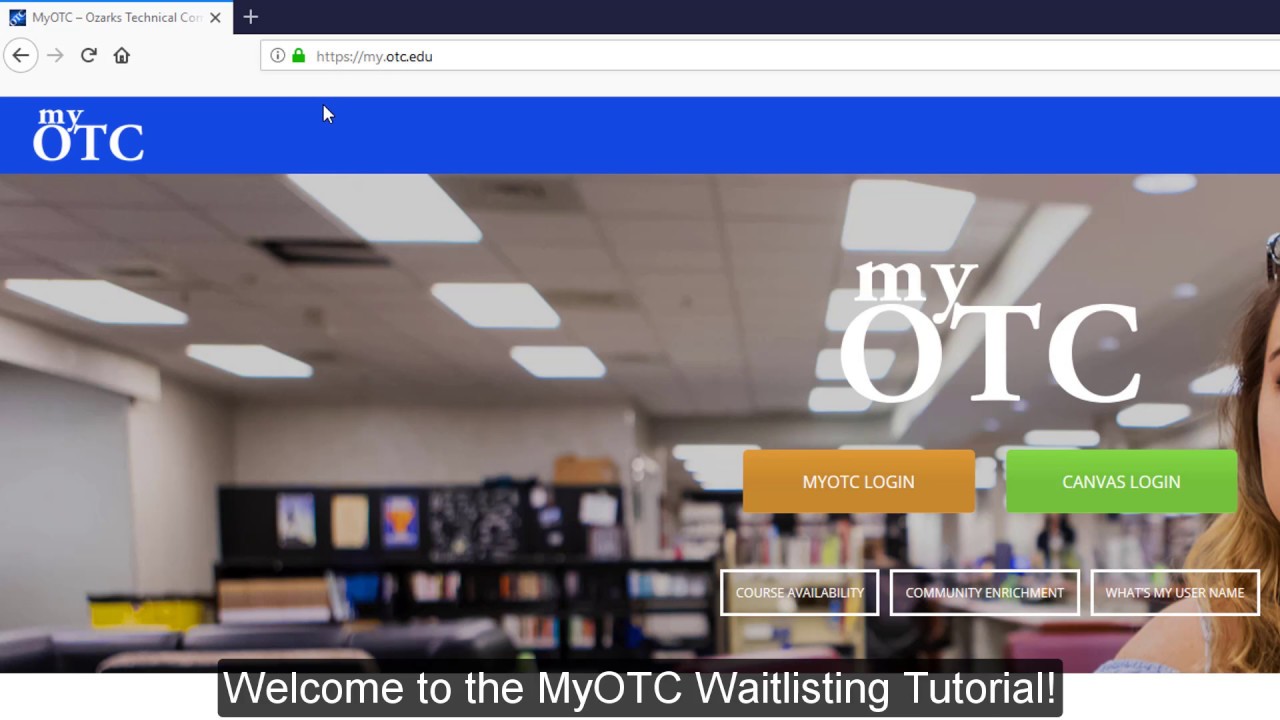
Watch the video for step-by-step instructions on how to join a waitlist in myOTC. To ask about waitlists for Selective Admission Programs, contact the program director directly. For more assistance, contact your navigator.
Contact Registrar
All Campuses and Centers
-
Call Us
4174476999 -
Email Us
[email protected]