
Flexible college courses that work with your life
You’ve got options at Ozarks Tech. With three campuses and three additional centers, you can take classes close to home or mix it up across different locations.
Build a schedule that fits your world—whether that means coming to campus a few days a week, joining live online classes remotely, or working through lessons on your own time through purely online courses.

Types of Courses
Face-to-Face
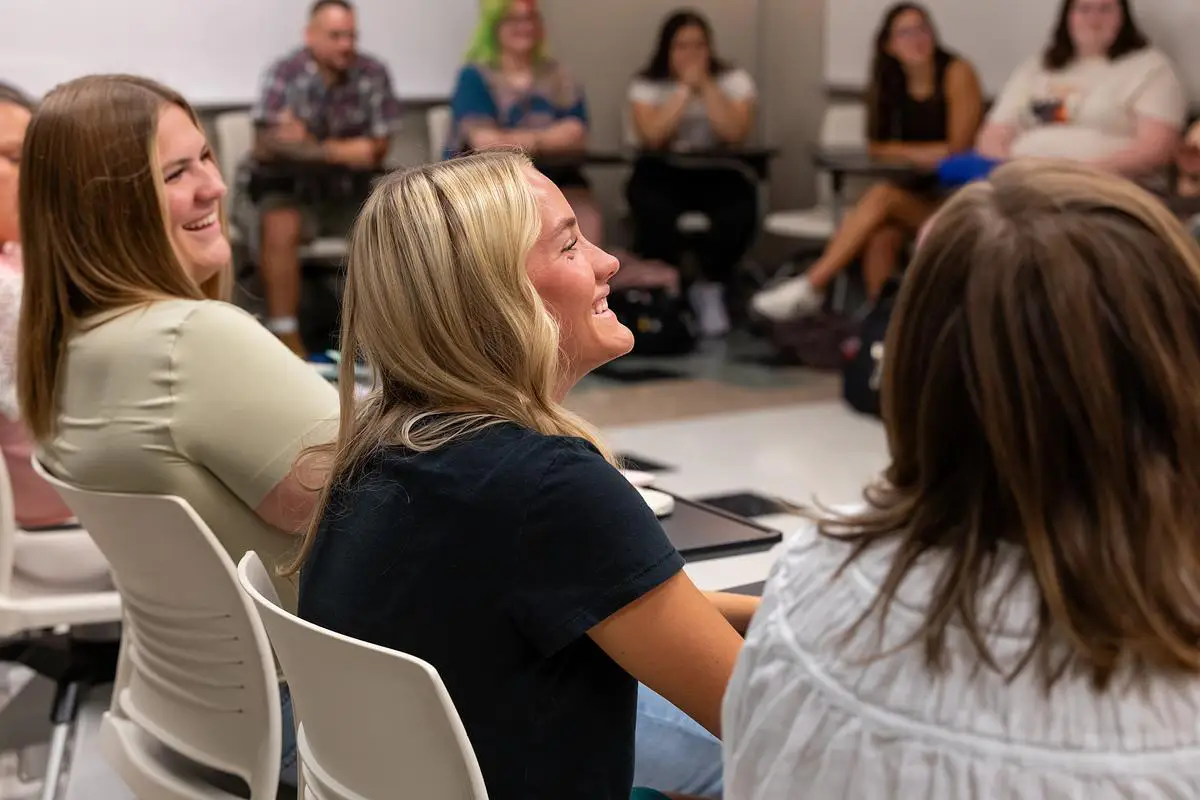
Attend class at a specific Ozarks Tech location on set days and times. You’ll learn directly from your instructor alongside classmates in a traditional classroom setting.
In Degree Planner, the Location will list the campus or center, building, and room number—along with meeting days and times.
Just bring yourself, your required course materials, and reliable transportation to campus.

Online
Take your class entirely online through Canvas, Ozarks Tech’s learning platform. You’ll log in regularly to complete assignments, quizzes, and discussions, but there are no set class times. Select programs can be completed fully online.
In Degree Planner, the Location will show “ONLINE COURSE via CANVAS.”
• A reliable computer (View detailed Student Personal Computer Recommendations)
• Compatible web browser such as Chrome, Firefox, or Safari
• Minimum internet speed of 512 kbps
• Canvas is available through a mobile app, but a computer is recommended for most coursework

Live Online
Join your class in real time through live video—no matter where you are. Your instructor teaches from an Ozarks Tech location, and you participate through web conferencing technology. These courses have set class meeting times.
In Degree Planner, the Location will show “LIVE ONLINE.”
- A computer with webcam and microphone (View detailed Student Personal Computer Recommendations)
- Reliable internet connection (512 kbps or faster)
- Access to Canvas for course materials, assignments, and communication

Hybrid
Classroom instruction without the full time commitment. These courses split your learning between the classroom and online. Some sessions meet in person at scheduled times; other parts happen online through Canvas.
In Degree Planner, the Location will list both the in-person campus and “via CANVAS Lecture” or “via CANVAS Laboratory.”
- Computer and stable internet connection (View detailed Student Personal Computer Recommendations)
- Access to Canvas for online work
- Transportation for in-person class meetings
Technology & Access
For all courses that use Canvas—including Online, Hybrid, and Live Online—you’ll need a computer and a reliable internet connection. Canvas works on most mobile devices, but it’s best to complete assignments on a computer for full access to course materials and features.
Use a computer that’s five years old or newer with at least 1 GB of RAM, and an operating system that can run current versions of Chrome, Firefox, or Safari. A minimum internet speed of 512 kbps is recommended for streaming lectures and submitting assignments.